Platform-Specific Dimensions
Each social platform has unique requirements for image dimensions. Using the wrong size means your infographic gets cropped awkwardly or appears blurry—instantly killing engagement.
LinkedIn favors vertical content in the feed. Optimal dimensions are 1080 x 1350 pixels (4:5 ratio) for single images, or 1080 x 1080 (1:1) for carousel posts. Document posts (PDFs) work exceptionally well for multi-page infographics.
Square posts (1080 x 1080) work well, but vertical 4:5 (1080 x 1350) takes up more screen real estate. For Stories and Reels, use 1080 x 1920 (9:16). Carousels can be up to 10 slides.
Twitter/X
Twitter displays images at 16:9 in the timeline. Optimal size is 1200 x 675 pixels. For infographics with more detail, 1200 x 1200 works but will be cropped in the feed preview.
Pinterest is the infographic platform. Vertical pins perform best—aim for 1000 x 1500 pixels (2:3 ratio) or longer for maximum visibility in the feed.
Hooks That Stop the Scroll
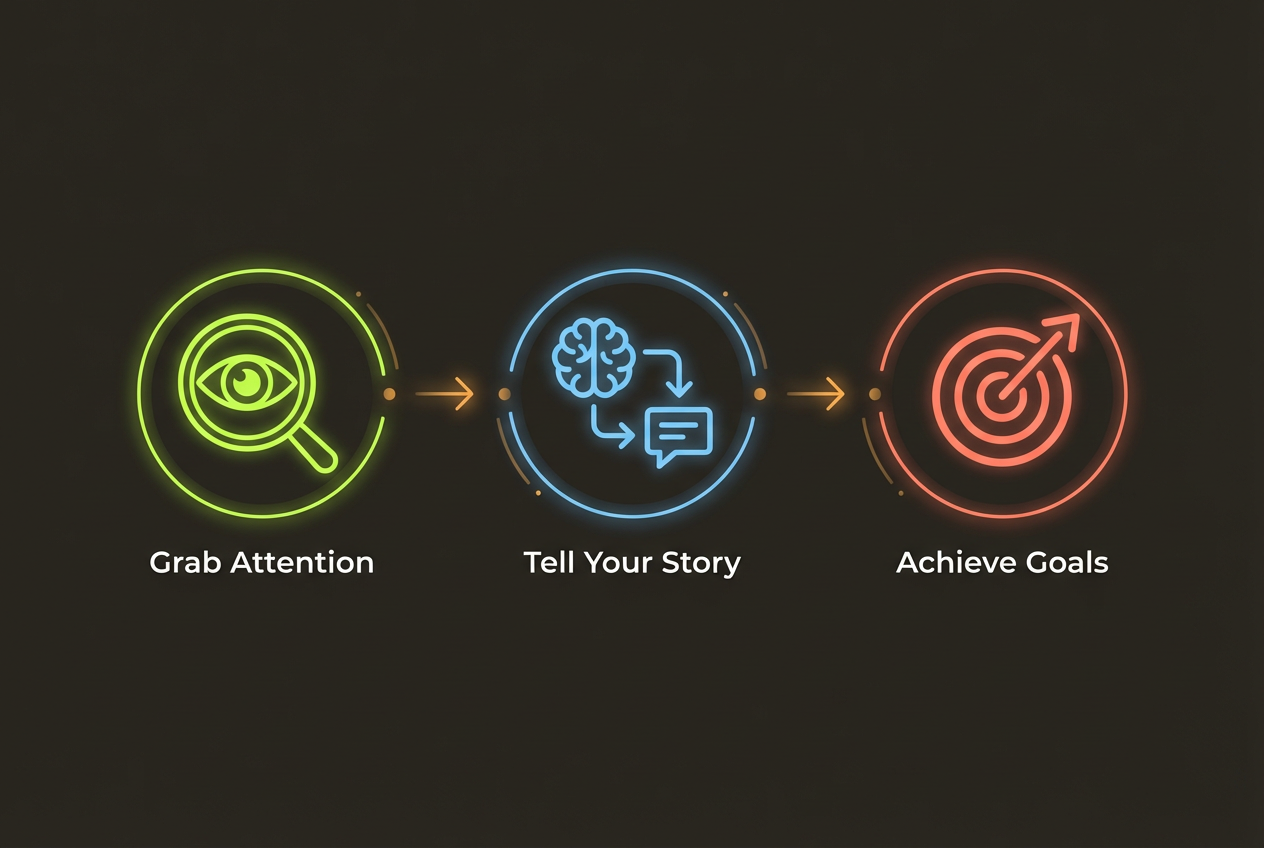
You have less than 2 seconds to capture attention in a social feed. Your infographic needs a visual hook that makes people stop scrolling.
- Bold, contrasting colors that stand out against typical feed content
- A surprising statistic prominently displayed at the top
- A question that creates curiosity or challenges assumptions
- A clear, benefit-focused headline (What's in it for them?)
- Numbers and data visualizations that promise quick insights
The first thing people see should make them think: 'I need to know more about this.'
Avoid generic titles like 'Marketing Statistics' in favor of specific, intriguing ones like '73% of Marketers Are Missing This Growth Channel.'
Design for Mobile First
Over 80% of social media consumption happens on mobile devices. If your infographic isn't readable on a phone screen, it won't perform.
- Use large fonts—minimum 24pt for body text, 48pt+ for headlines
- Keep text short and scannable—bullet points over paragraphs
- Ensure high contrast between text and background
- Test your infographic at actual phone screen size before posting
- Avoid fine details that become invisible when scaled down
When in doubt, simplify. A mobile user scanning their feed won't zoom in to read tiny text. If they can't understand your infographic at a glance, they'll scroll past.
Optimizing for Engagement
Shares and saves are the gold standard of social media success. Design your infographic with virality in mind.
Make It Save-Worthy
Content that people save is content they'll return to. Checklists, frameworks, templates, and reference guides drive saves because they provide ongoing value.
Make It Share-Worthy
People share content that makes them look good—smart, helpful, or in-the-know. Include insights that feel exclusive or surprising. Give people social currency.
Create Social-Ready Infographics in Seconds
InfoArt.ai generates platform-optimized infographics automatically. Just describe what you want—we handle the dimensions and design.
Try It FreeBest Posting Practices
Even a great infographic will underperform with poor posting strategy. Optimize your distribution for maximum reach.
- Post when your audience is active (check your analytics for optimal times)
- Write compelling captions that add context and encourage engagement
- Use relevant hashtags (5-10 on Instagram, 3-5 on LinkedIn, 2-3 on Twitter)
- Engage with comments quickly—algorithm boost happens in the first hour
- Cross-post to multiple platforms with platform-specific adjustments
Don't just post and ghost. Engaging with your audience in comments signals to algorithms that your content is valuable, increasing its reach.